
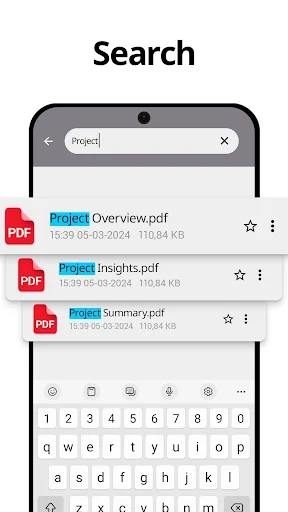
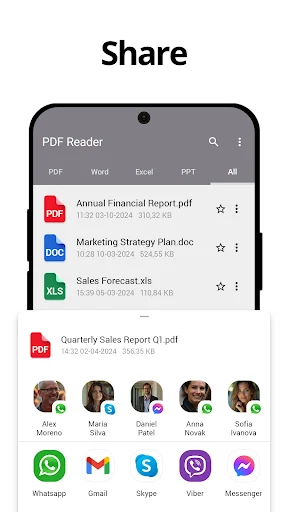
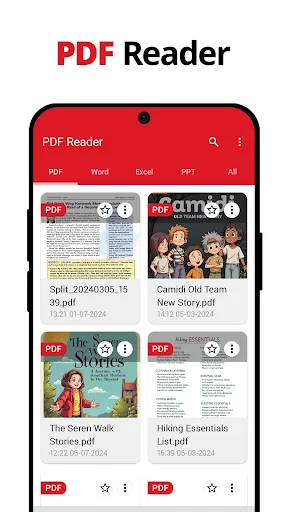
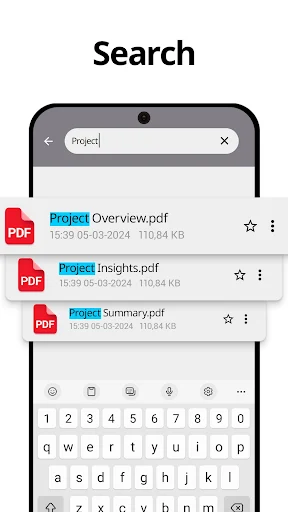
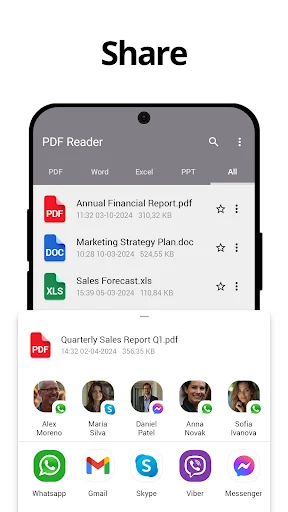
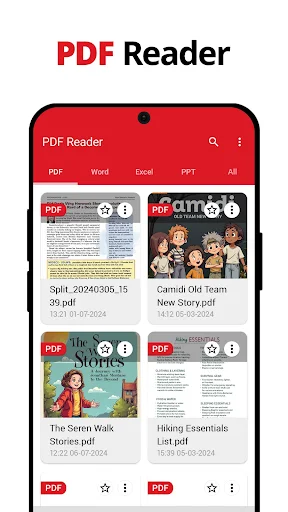
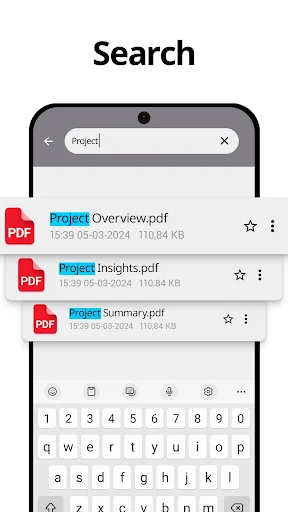
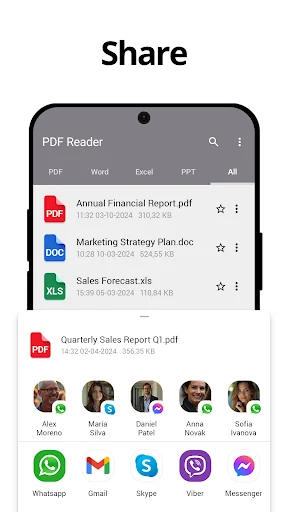
PDF Reader – PDF Scanner is an app designed to provide a comprehensive suite of tools for managing PDF documents directly on your device. Users can open and read various PDF files, utilizing features like smooth navigation, zooming, and a night mode for comfortable viewing. Beyond reading, the app facilitates document creation by scanning physical papers into high-quality PDFs, or converting images into PDF format. It also offers robust editing capabilities, allowing users to add text, annotations, and even sign documents electronically, extending its utility beyond basic viewing.
Document Viewing and Navigation
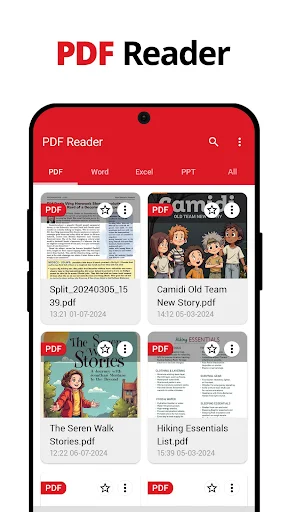
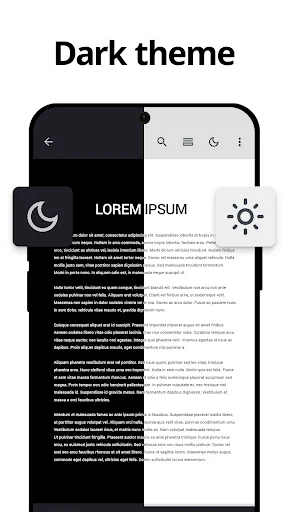
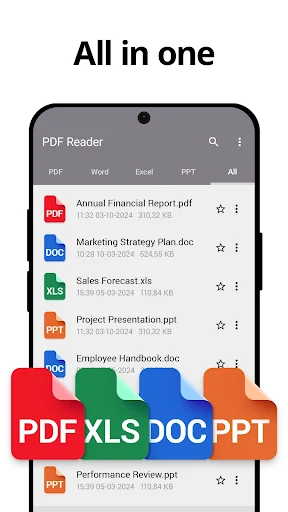
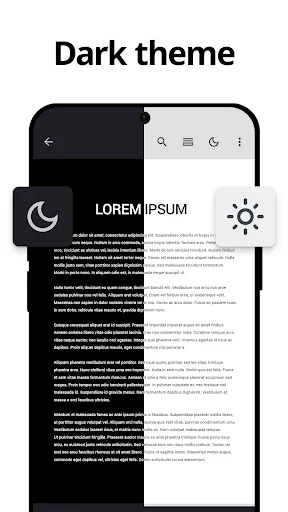
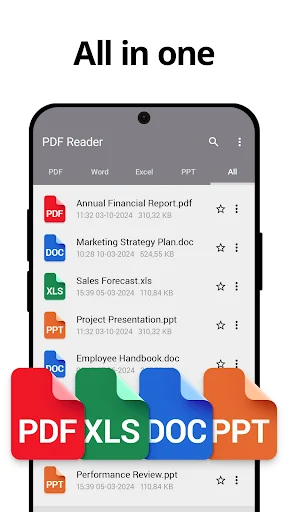
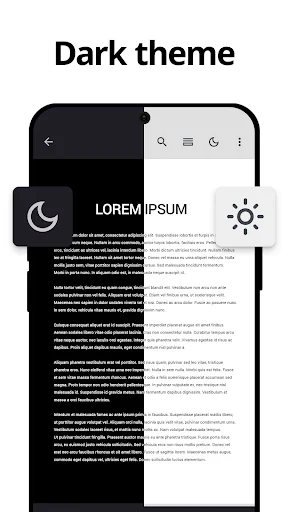
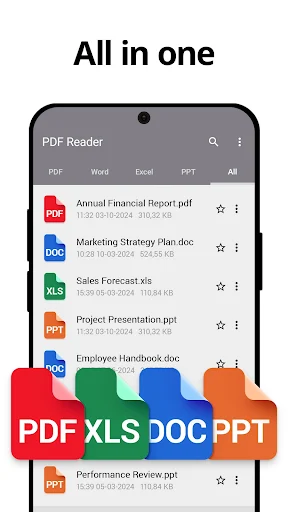
The app functions as a PDF reader and viewer, enabling users to open and read any PDF file. It includes features for smooth page navigation and zooming into text for closer inspection. For extended reading sessions or low-light conditions, a night mode is available to help reduce eye strain. Users can also set bookmarks to quickly return to specific pages or important sections within their documents. Additionally, the app supports viewing Word, Excel, and PPT files, enhancing its versatility for various document types.
Scanning and PDF Creation
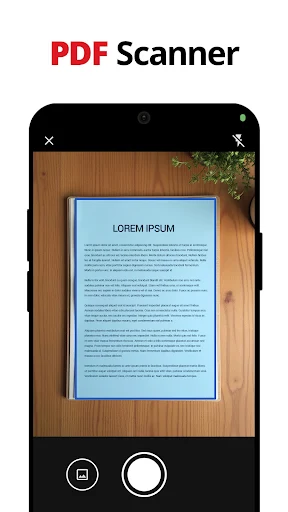
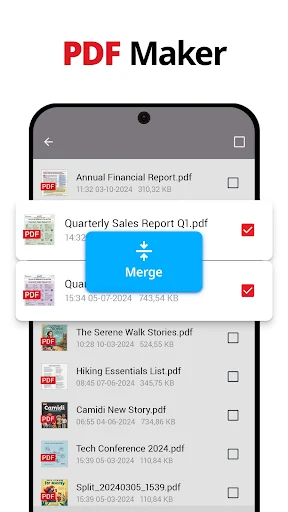
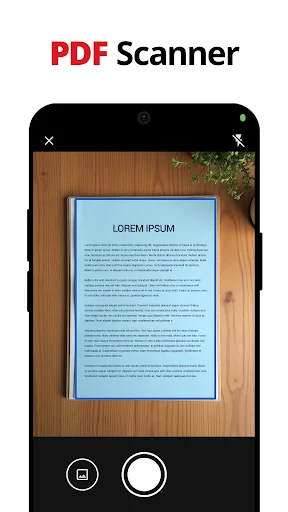
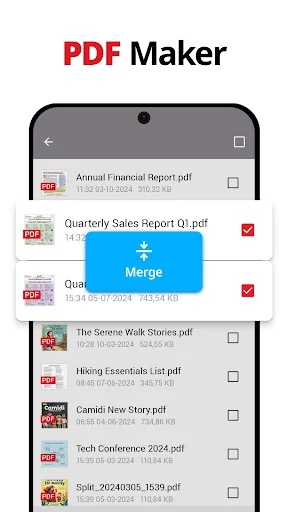
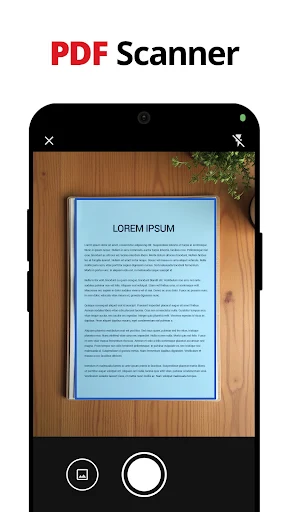
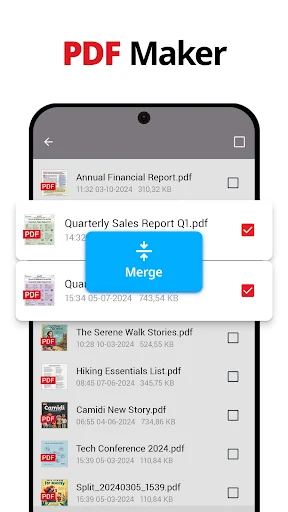
A key capability of the app is its built-in PDF Scanner. This feature allows users to capture documents, receipts, or notes using their device’s camera and convert them into high-quality PDF files. This is particularly useful for digitizing physical paperwork on the go. Furthermore, the app includes a PDF Maker and Image to PDF Converter, which enables the creation of new PDF files directly from existing images or scanned documents.
Editing and Annotation Tools
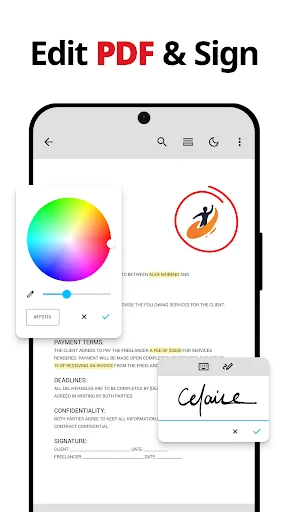
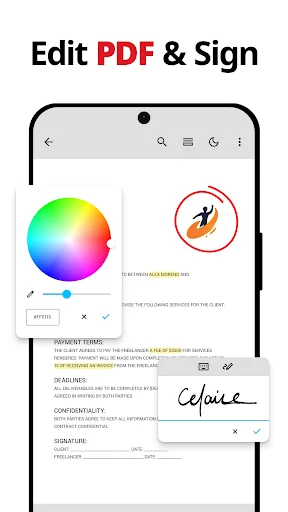
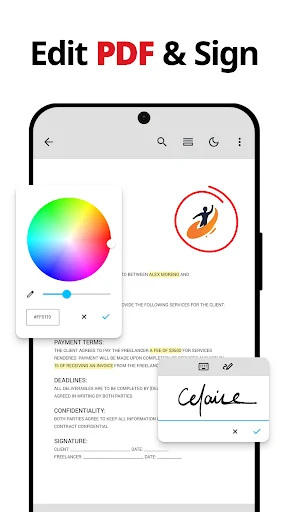
The app provides a range of tools for editing and annotating PDF documents. Users can add new text, notes, and various annotations to their files. This includes the ability to highlight, underline, or strike through text, as well as add comments. A notable feature is the ability to edit existing text within a PDF document, offering more flexibility than simple annotation.
Digital Signature Functionality
For tasks requiring formal acknowledgment, the app supports adding signatures to PDF documents. Users can directly add their signature or utilize e-signature functionality to sign forms and contracts efficiently. This feature streamlines the process of handling digital agreements and approvals.
Advanced PDF Management
Beyond individual document tasks, the app offers advanced management tools. Users can combine multiple PDF files into a single document using the merge function, or split larger PDFs into smaller, more manageable parts. There’s also a compress feature to reduce PDF file sizes, which can be useful for sharing or archiving. For sensitive information, the app allows users to secure PDF files by setting passwords and provides the ability to unlock password-protected documents when needed.







Write a review